
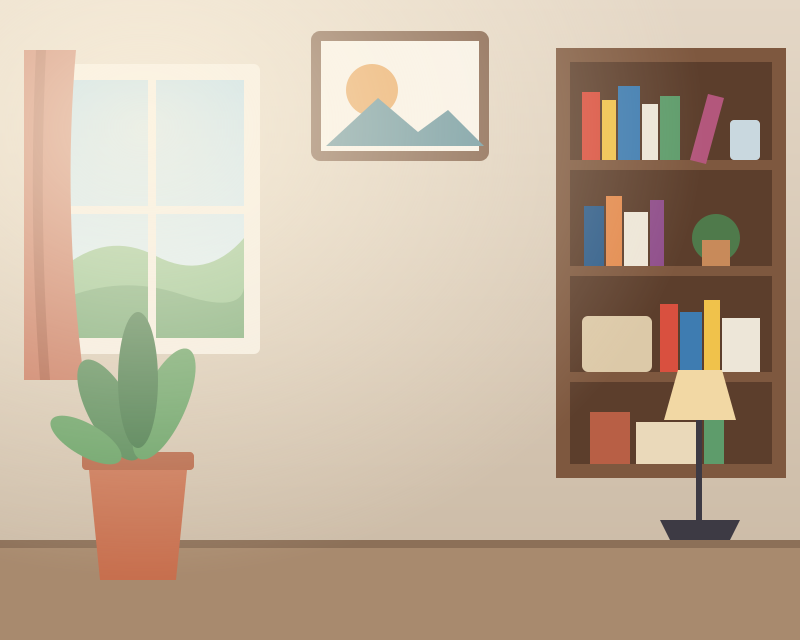
This page opens on the studio designers. Your subject is cut out and placed on a seamless sweep; change the floor and wall, move the light, or switch to a spotlight or pedestal.
Three designers, all drawn on your device
Every backdrop is drawn procedurally at the size you export, so it is as sharp on a 2000-pixel listing as on a phone screen, and it never comes from a stock-photo server. Grain or paper texture can be laid over any of them.
- Sweep: a seamless wall that curves into the floor, with floor and wall color, the height of the curve and the strength of the light.
- Spotlight: a pool of light on a plain backdrop with position, size and intensity.
- Pedestal: a plinth for products, with its scale and height.
Placing the subject
A contact shadow under the subject is what makes a studio shot believable. The Finish stage has soft studio, product and grounded shadow presets; the shadow scales with the subject's width and can be squashed flat against the floor. Compose sets the canvas and the subject's size, with Fill 85% for marketplace-style framing.
Match automatically nudges the subject's brightness and warmth toward the backdrop, which helps when the original photo was taken in warm indoor light and the studio is cool.
Backdrop alone
Photographers and designers sometimes want the plate without a subject: a sweep to composite in another program, or a set of matching backdrops for a catalog. Turn on Export the backdrop alone, choose the canvas size, and the file contains only the background.
Passport-style plain backdrops
A plain light gray studio backdrop is a common choice for ID photos. If that is your use, the passport photo page sets the size, head guides and print sheet for you. Some offices do not accept digitally altered photos; where possible take the photo against a plain light wall and use the editor to check framing, size and print rather than to change your appearance.
Step by step
- Open a photo. The subject is cut out and placed on a white sweep.
- Design the studio. Pick sweep, spotlight or pedestal and set colors and light.
- Add a shadow. A contact shadow grounds the subject on the floor.
- Frame it. Choose the canvas size and how much room surrounds the subject.
- Export. With the subject, or the backdrop alone.
Questions people ask
Are the studio backgrounds photos?
No. Every sweep, spotlight and pedestal is drawn on your device at the export size, so it never pixelates and never comes from a stock library.
Can I download just the background?
Yes. Turn on Export the backdrop alone and the file contains only the studio plate at your canvas size.
How do I make the subject look like it is standing on the floor?
Add a contact shadow in Finish, then adjust its blur and squash so it sits flat under the subject.
Can I use a studio backdrop for a passport photo?
A plain light backdrop is common, but rules differ by country and some offices do not accept altered photos. Use the passport photo page and check the official requirements.